
Game Design
The jQuery team knows all about cross-browser issues, and they have written this knowledge into the jQuery library. jQuery will run exactly the same in all major browsers, including Internet Explorer 6
Overview
COURSE DESCRIPTION
During this course, we will explore how games are created through programming and design before they are officially
released in the gaming industry. Game Design is a field with a broad focus which could range from basic computer
skills, programming, designing, and problem solving.
Course Review:
During the first semester, students will first be introduced to Basics of Computers and the game design process (and
principles associated with it), elements of game play, and the items needed for successful management of the game design
project. Students are also introduced to leading industry software and the various tools that can be used in creating their
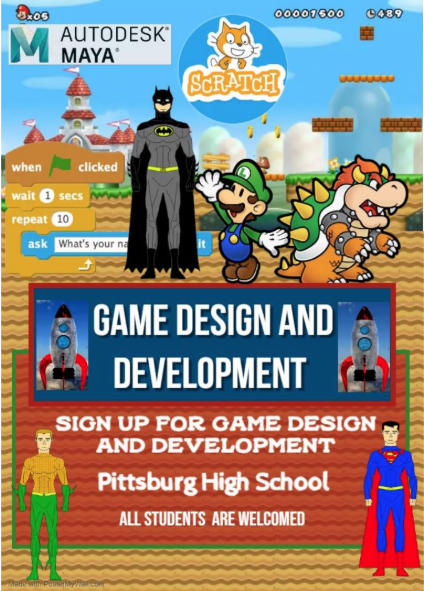
games with this powerful game engine. Students will also be exposed to commonly used game design software called
Maya. During the second semester, students will build a variety of 3D objects and environments for their video games.
After working with a number of video tutorials of partially completed games (as well as the creation of some simple games
from Scratch), teams of students will plan, assemble, and market a video game using the tools learned.
LEARNING OUTCOMES
-
By the end of Semester 1, students will be able to:
-
Identify and explain fundamental computer concepts and components used in the game development pipeline.
-
Describe the Unity game design workflow, including scenes, assets, prefabs, components, and C# scripting basics.
-
Apply core game design principles—such as gameplay elements, mechanics, and user experience—to simple Unity projects.
-
Use Unity’s interface and essential tools to import assets, manipulate GameObjects, create basic interactions, and navigate the editor environment.
-
Demonstrate introductory proficiency in Autodesk Maya by creating and exporting basic 3D models for use in Unity.
-
Analyze partially completed Unity tutorials to understand how different systems (physics, UI, input, animation) work together in a functioning game.
By the end of Semester 2, students will be able to:
-
Model and texture 3D objects and environments in Maya and properly optimize and export them for Unity integration.
-
Build interactive Unity scenes using GameObjects, prefabs, materials, lighting, particle effects, and simple C# scripts.
-
Create basic gameplay systems in Unity such as character movement, collisions, scoring, or simple enemy behaviors.
-
Develop small-scale games from scratch by following Unity tutorials and applying learned tools and techniques.
-
Collaborate in teams to plan, design, prototype, and produce a playable Unity game using version control (e.g., Git or Unity Version Control) and project management practices.
-
Prepare and present a complete game pitch, including marketing materials, target audience analysis, and unique selling points for the final Unity-based game.
-
Curriculum
Instructor

You May Like


Website Design
Teacher: Mr. Goswami Room: F212 Web Design Course Syllabus: Course Description: During this course, we will explore how websites are made and designed to...

Introduction to Engineering Design
This tutorial will introduce you to PHP, a server-side scripting language you can use to make dynamic websites and web applications.
Computer Science Discoveries:
In this course, We'll learn how to create websites by structuring and styling your pages with HTML and CSS.

Course Features
- Lecture 0
- Quiz 0
- Duration 60 hours
- Skill level All levels
- Language English
- Students 33
- Assessments Yes